Digital journal stickers are image files placed into a journal or note-taking document. Use them to mark useful categories, add a small visual cue or personalize a page without covering the space you need for writing.
Choose Autumn Animal Leaf Pressing Club for personal journal decoration, or Raccoon Thanksgiving Gratitude Picnic for personal reflection pages. Both are paid PNG artwork collections for layouts you design yourself; add your own text, shapes and measurements.
Make it with these Bokaja sets
Choose the style that fits your project. These are digital PNG artwork collections: add your own text and build the layout shown in this guide.

Autumn Animal Leaf Pressing Club
Autumn artwork for personal journal decoration.
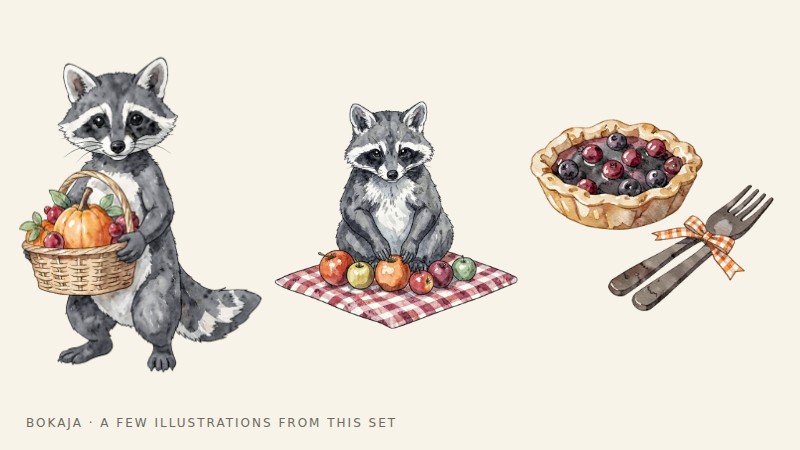
Raccoon Thanksgiving Gratitude Picnic
Gratitude-themed artwork for personal reflection pages.
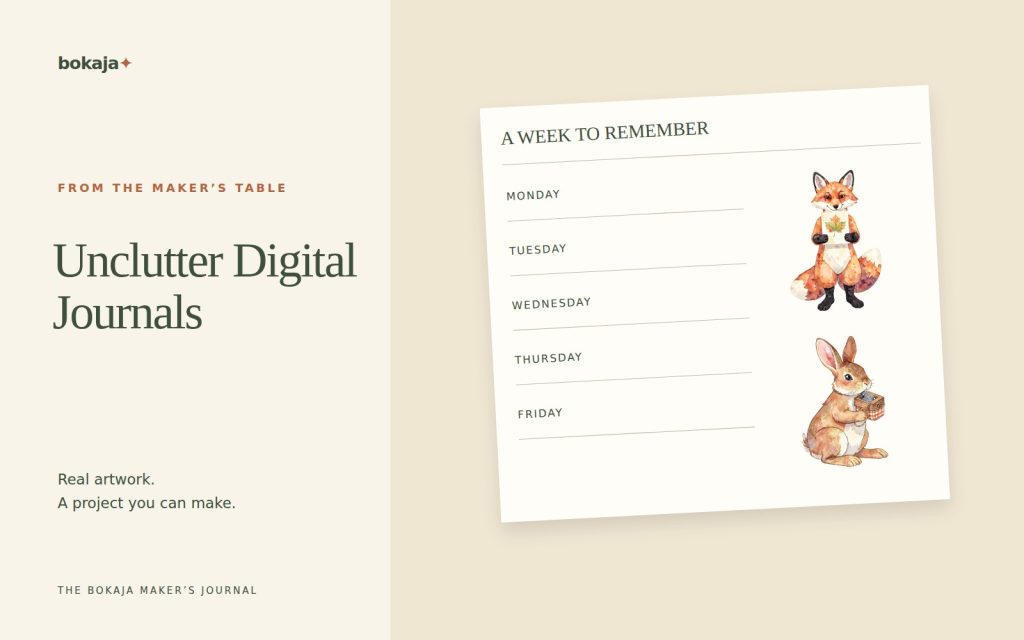
Worked example: a digital weekly page with three accents
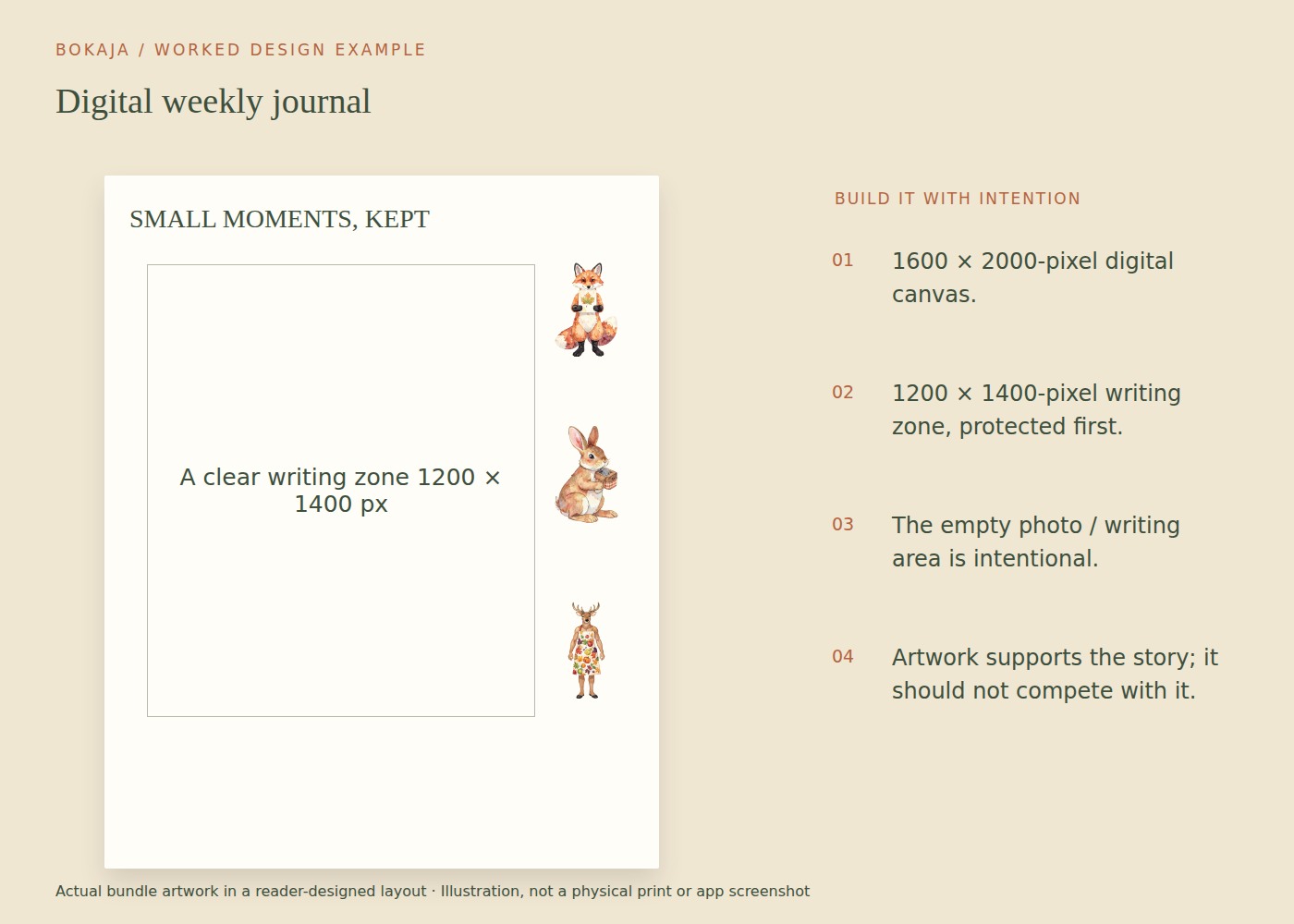
Create a personal journal page at 1600 × 2000 pixels. Reserve a 1200 × 1400-pixel writing zone, starting 200 pixels from the left and 350 pixels from the top. This gives a clear central area while leaving room for a heading and small decorative cues.
Choose no more than three PNG accents from the autumn collection. Scale each to approximately 180 pixels wide, preserving its proportions, and place them outside the writing zone. Use one near the weekly heading, one beside a reflection label and one near a small “next week” area. The graphics should mark places you actually use, not cover lines after you have written on them.
Import one PNG first and check how your journal app handles it. Can you move it independently, resize it without changing the page, and duplicate it without inserting another full document? Different apps treat image objects differently, so learn that behavior before importing a whole pack.
If the page becomes slow, remove unused duplicates and test a smaller working copy of the selected image. Keep the purchased original untouched. Reducing a decorative sticker used at 180 pixels can be reasonable; replacing your source archive with that reduced copy is not.
For a personal gratitude page, the picnic collection is an alternative theme. Write the reflection prompts yourself and keep the same restrained layout. A set of PNGs is not automatically an app-specific sticker book with tabs, cropping or navigation already prepared.
After a week, look at where you actually wrote. If the largest sticker occupies an area you repeatedly need, move it or remove it. The page is a working journal, and its best arrangement may be less decorative than the initial mockup.
Start with your journal application
Check how the current version imports images. Some apps let you add a PNG from local storage or a photo library; others use drag-and-drop or an elements collection. Use the supported method for your device rather than assuming desktop and tablet controls are identical.
Try one file on a spare page before importing a large collection. Confirm that you can move, resize and remove it, and that its transparent background behaves as expected.
Keep the original download outside the journal file. If an import is accidentally cropped or altered, you can return to the source.
Choose a small functional set
Start with three roles: a marker for an appointment, a marker for a reflection and a small decorative accent. The categories can be personal, but keep them consistent enough that the symbols remain meaningful.
A food illustration might identify meal planning; a book image might mark reading notes. Do not require a different graphic for every possible activity. Too many choices can make decorating take longer than using the journal.
Verify transparency before troubleshooting the app
Place the image on a colored area of the page. If the color shows through around the subject, the surrounding pixels are transparent. A white viewer background outside the journal does not prove that the file itself has a white box.
If a rectangle remains, check the original PNG in another suitable application. It may be a flattened preview or an export with white pixels. Avoid taking a screenshot of a sticker preview and expecting the screenshot to preserve transparency.
The PNG transparency guide explains how to distinguish those cases.
Use duplication without creating clutter
Once a marker is the right size, duplicate it where the same meaning applies. This preserves consistency and saves repeated resizing.
Avoid scattering many tiny accents between every line. They can make the page visually noisy and increase the effort of finding an important note. Try a rule such as one decorative cluster per spread while allowing functional markers where genuinely useful.
For a journal used primarily for reflection, consider placing decoration after writing rather than before. That lets the content determine the available space.
Keep the file manageable
Cropping an image inside a journal app may hide pixels without reducing the embedded file size. Large source PNGs can be useful for printing but may be unnecessarily heavy for a small on-screen marker. If your app struggles with many images, create appropriately sized working copies while keeping the originals untouched.
Export a test page or backup using the app’s supported process. Confirm that writing, links and images remain present in the exported version. A journal file that looks fine inside one app may behave differently as a flattened PDF or image.
Do not overwrite your only working journal while experimenting with cleanup or compression.
Organize stickers around use, not endless themes
Keep a small Favorites folder or supported in-app collection. Name files clearly enough to find them again, and retain the source and licence information separately.
If you share a finished page, check that it does not expose personal appointments, addresses or private reflections. Review the current artwork licence before distributing files; personal journal use does not automatically permit sharing the original PNGs or selling a digital sticker collection.
A good sticker system should make the journal more useful or enjoyable without becoming another task you must complete perfectly. Keep the images that help and remove the ones that get in the way.
Your next step
Review the page after a week of actual writing. Keep the decorative cues that help you find things and remove the ones that occupy space you need.
Start with Autumn Animal Leaf Pressing Club, or choose Raccoon Thanksgiving Gratitude Picnic for the alternative theme described above. These collections supply PNG illustrations for your own layout; the project text and construction remain yours.