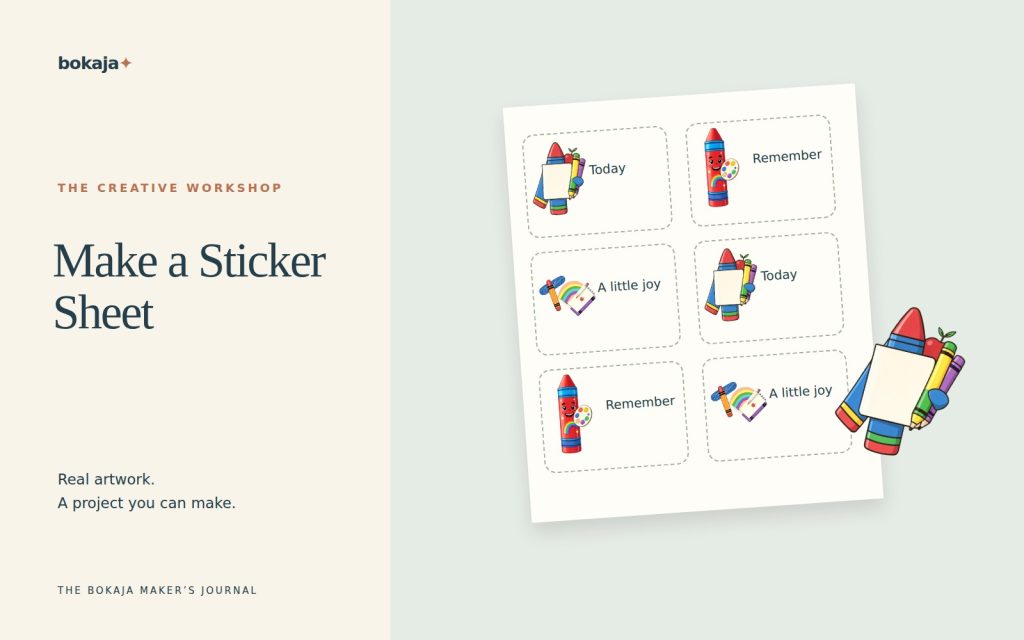
How to Make a Sticker Sheet With PNG Files
Plan a sticker sheet with clear sizes, borders and spacing. Compare hand-cut and Print Then Cut routes and test the actual paper before batching.
Read guideBokaja Journal
Plan a sticker sheet with clear sizes, borders and spacing. Compare hand-cut and Print Then Cut routes and test the actual paper before batching.
Read guide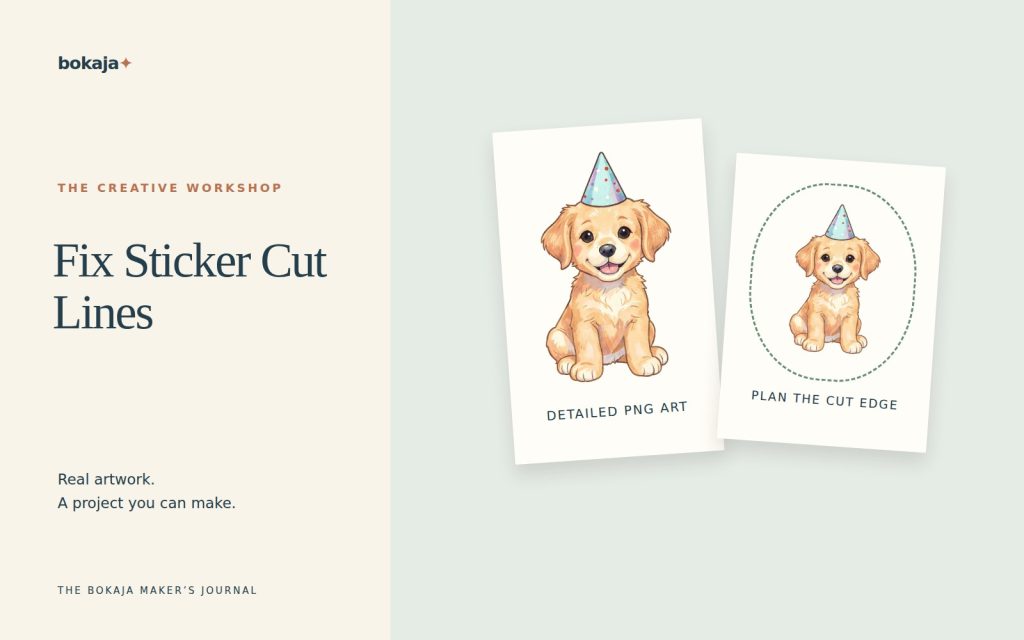
Troubleshoot Cricut Print Then Cut PNG outlines by checking transparency, backing shapes, flattening and the intended outer cut boundary.
Read guide
Find where PNG detail is lost between the source, layout and export. Check pixel size, scaling and previews before rebuilding your print file.
Read guide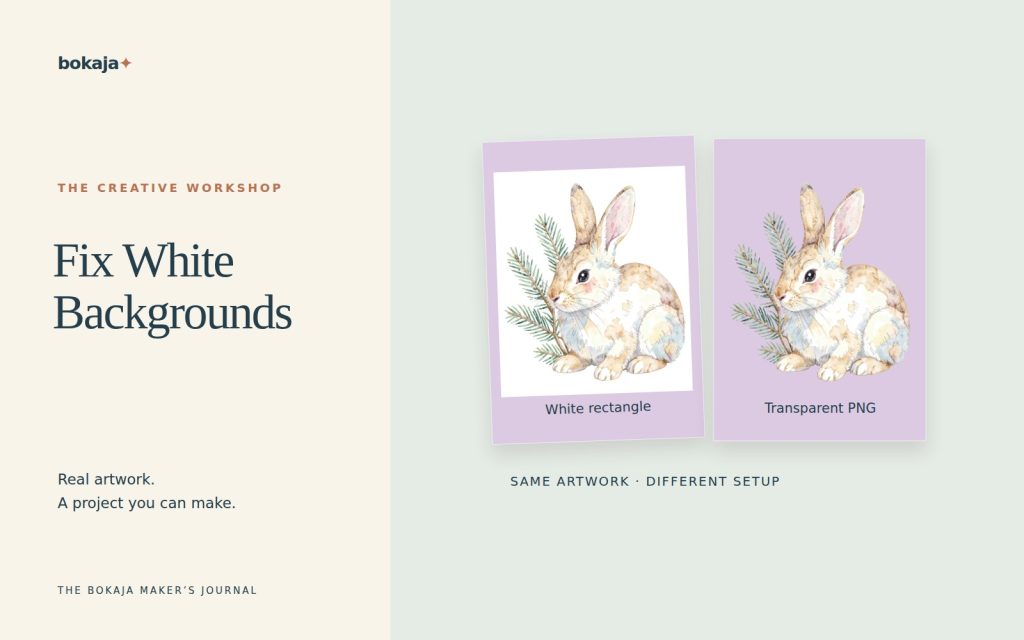
Find out why a PNG looks white: viewer background, baked-in pixels or export settings. Diagnose the cause before removing useful image detail.
Read guide
Choose PNG or SVG for your Cricut project. Compare printed raster artwork with vector cut paths and learn why conversion has practical limits.
Read guide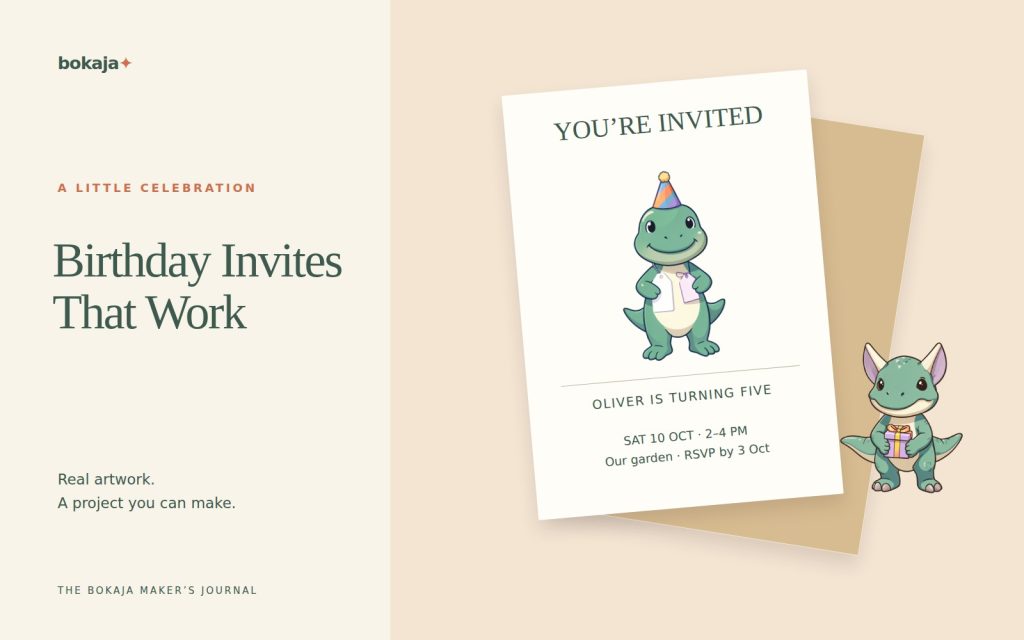
Create birthday invitations with clear event details and a restrained clipart theme. Plan print or digital delivery and proof every name and date.
Read guide
Make printable bookmarks with practical dimensions, safe trim space and useful artwork. Test the paper, reverse alignment and finished fit.
Read guide
Choose a photo-led, message-led or illustration-led Christmas card. Plan the format, crop, type and full-size proof before ordering prints.
Read guide
Make Christmas gift tags in a practical batch. Keep names readable, reserve punch space and test the tag on real wrapping before printing.
Read guide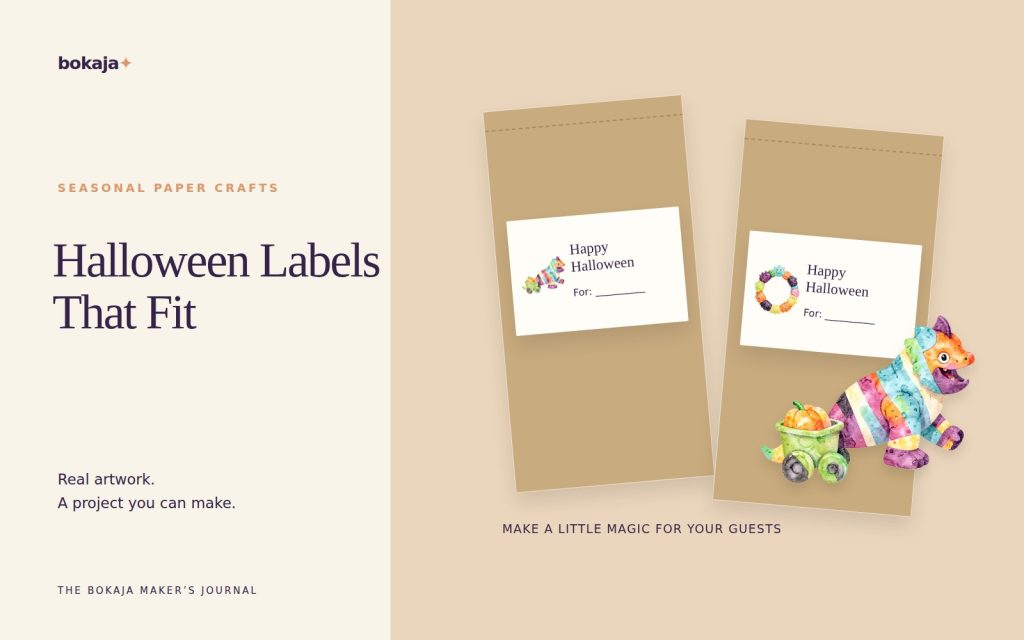
Make Halloween treat bag labels that fit sealed packaging. Plan the format, artwork and attachment while keeping food information visible.
Read guideWe use necessary cookies for shopping. Optional analytics and advertising cookies help us understand visits and improve our shop. Cookie Policy