
Halloween PNG clipart lets you build stickers, labels, shirts, treat bags, classroom decorations, and party printables without tracing artwork from a solid background. The important part is choosing a genuinely transparent PNG, sizing it for the finished project, and testing one copy before using a full sheet or expensive material.
Halloween Cricut project starter checklist
- Extract the downloaded ZIP before uploading individual PNG files.
- Confirm the background is transparent and the edges are clean.
- Choose the finished material first: printable vinyl, sticker paper, cardstock, or iron-on transfer paper.
- Measure the real project area instead of guessing from the canvas.
- Print and cut one test item before producing a full page or party set.
- Check the artwork license before selling finished products.
PNG, SVG, or JPG: which file should you use?
| Format | Best use | Background | Cricut note |
|---|---|---|---|
| PNG | Full-color stickers, labels, shirts, printables | Can be transparent | Use Print Then Cut for detailed color artwork |
| SVG | Simple layered vinyl and cardstock cuts | Vector paths | Best when each color is a clean cut layer |
| JPG | Flat printed backgrounds or reference images | Always solid | Usually needs background removal before cutting |
For more file checks, use the PNG transparency and quality guide and the Canva versus Cricut workflow comparison.
How to upload Halloween PNG clipart to Cricut Design Space
1. Extract and inspect the files
Open the ZIP on your computer and work from the extracted PNG folder. Preview the chosen design against both light and dark backgrounds so white edge halos or stray pixels are easier to spot.
2. Upload as a complex image
In Design Space, choose Upload, select the PNG, and preserve the transparent area. Save detailed color artwork as a Print Then Cut image. A simple one-color shape may work better as a cut image or SVG.
3. Size for the real project
Measure the label, bag, shirt, topper, or sticker sheet before resizing. Keep the aspect ratio locked. For printed designs, stay inside the printable area shown by your current Design Space setup and printer.
4. Add an offset when useful
A modest white or colored offset can make character stickers easier to weed and can separate dark artwork from a dark material. Inspect narrow gaps around hair, hats, broom handles, bats, and candy details before cutting.
5. Test before the full run
Use a small test piece with the same printer, material, mat, blade, and settings planned for the final batch. Check color, border alignment, adhesion, and small-detail cutting before committing more material.
10 cute Halloween project ideas
| Project | Good format | Key check |
|---|---|---|
| Sticker sheet | Transparent PNG | Offset and kiss-cut pressure |
| Treat-bag label | PNG or SVG | Readable name and food-safe placement |
| Cupcake topper | PNG on cardstock | Mirrored backs and clean trimming |
| Party invitation | PNG in Canva | Quiet text area and test print |
| Shirt transfer | PNG | Transfer-paper instructions and mirror setting |
| Candy-jar label | PNG or SVG | Container curve and adhesive |
| Classroom card | PNG | Large text and reusable layout |
| Window decal | Simple SVG | Indoor/outdoor vinyl choice |
| Party banner | PNG on cardstock | Hole-punch margins |
| Thank-you tag | PNG | Space for a short handwritten note |
Real product example
Build one coordinated cute-spooky set
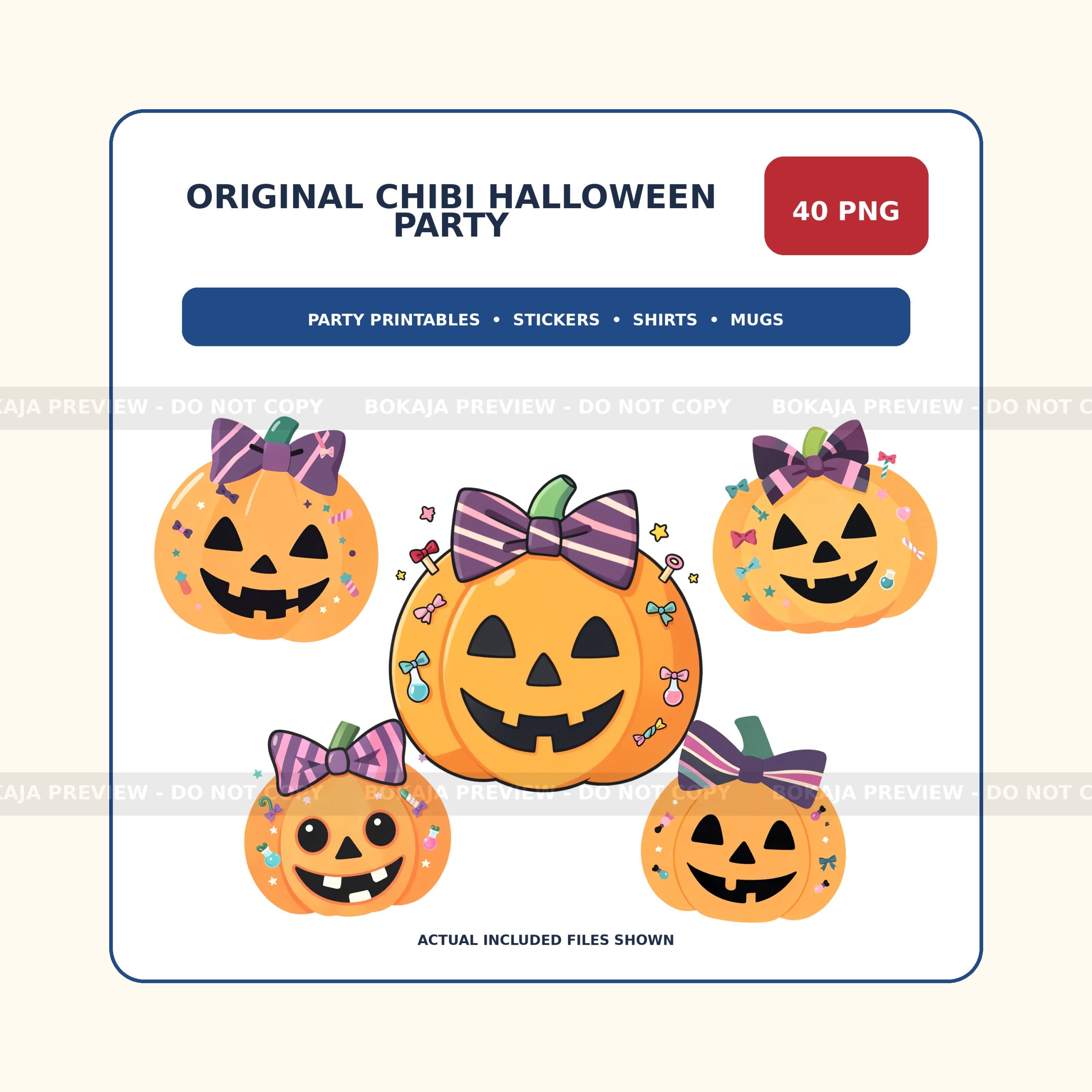
The Chibi Halloween Party PNG Bundle includes 40 original transparent 3072 × 3072 PNG files with 300 DPI metadata. The friendly witch, ghosts, pumpkins, black cat, bats, candy, and party details are designed as one matching collection for Cricut, Canva, stickers, shirts, mugs, and party printables.
Compare Party & Seasonal PNG sets or review the digital product license and download and support notes before starting.
Commercial-use checks before you sell
- Read the license for the exact bundle you purchased.
- Sell only permitted finished products; do not redistribute original PNG or ZIP files.
- Keep the license and purchase record with your project notes.
- Do not assume a license transfers trademark or third-party brand rights.
- Flatten permitted digital end products so buyers cannot extract the source artwork.
Planning a complete Halloween party?
Use the Halloween party printables checklist to turn transparent PNG clipart into 15 coordinated ideas for invitations, signs, cupcake toppers, favor labels and thank-you cards.
Frequently asked questions
Is PNG or SVG better for Halloween Cricut crafts?
Use transparent PNG for full-color character art and Print Then Cut projects. Use SVG for simple layered vinyl or cardstock designs where each color needs a clean cut path.
How can I tell whether a PNG is transparent?
Preview it against a contrasting background or upload it to Design Space. A genuine transparent area shows the canvas behind the artwork rather than a white rectangle.
Should I mirror a Halloween PNG before cutting?
Mirror only when the material instructions require it, such as many heat-transfer workflows. Standard sticker paper, printable vinyl, cardstock, and labels are usually not mirrored.
Can I sell products made with Bokaja Halloween PNG files?
The Bokaja license allows specified personal and small-business commercial uses for finished products. It does not allow reselling, sharing, extracting, or repackaging the original digital assets. Check the current license page for the exact boundaries.
Plan the rest of the party set
Use the DIY birthday party decor checklist to coordinate invitations, labels, toppers, signs, and thank-you tags. Keep the same type styles, colors, and two or three repeating characters across the complete set.
Halloween PNG project library
Keep one coordinated cute-spooky style from the first test cut through the finished party set. Use the path that matches your next step:
- Test 15 free Halloween PNGs before choosing a complete collection.
- Follow the Halloween Cricut print-then-cut guide for stickers, labels, signs, and toppers.
- Use the 15-piece Halloween party printables checklist to keep invitations and decor visually consistent.
- Compare the Chibi Halloween Party set, Halloween Clipart Bundle, Halloween PNG Mega Bundle, and Cute Ghost Potion Café collection.


