For a manageable Halloween party printable set, make only the pieces that solve a real event need. A welcome sign, a small label system and one clear activity sheet can establish a coordinated theme without creating a large pile of decorations to print, cut and store.
Choose Cute Halloween Black Cat Pumpkin Bookshop for a bookish gathering, or Little Monster Trick-or-Treat Parade for a playful treat-table theme. Both are paid PNG artwork collections for layouts you design yourself; add your own text, shapes and measurements.
Make it with these Bokaja sets
Choose the style that fits your project. These are digital PNG artwork collections: add your own text and build the layout shown in this guide.
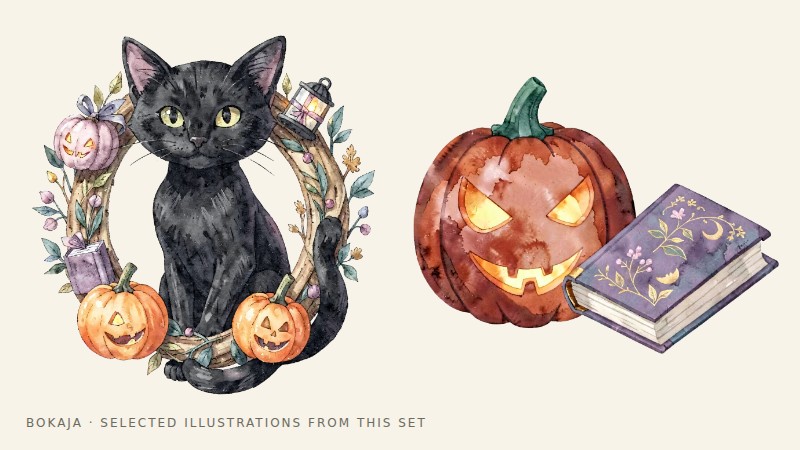
Cute Halloween Black Cat Pumpkin Bookshop
Bookshop Halloween artwork for a bookish gathering.
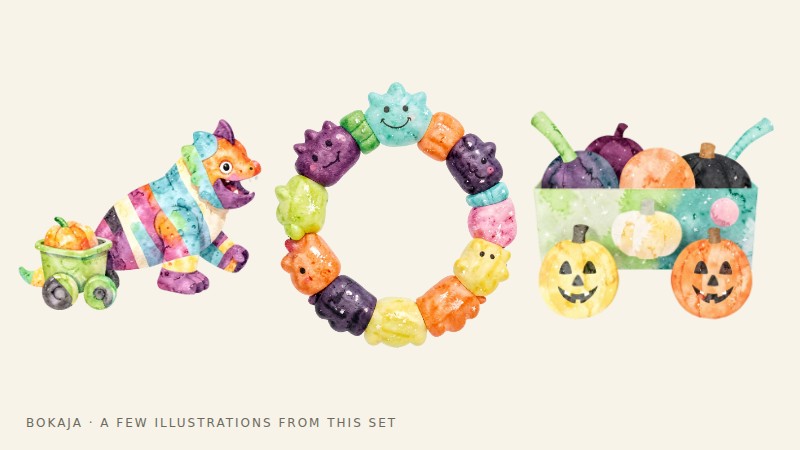
Little Monster Trick-or-Treat Parade
Monster parade artwork for a playful treat-table theme.
Worked example: a three-piece bookish Halloween set
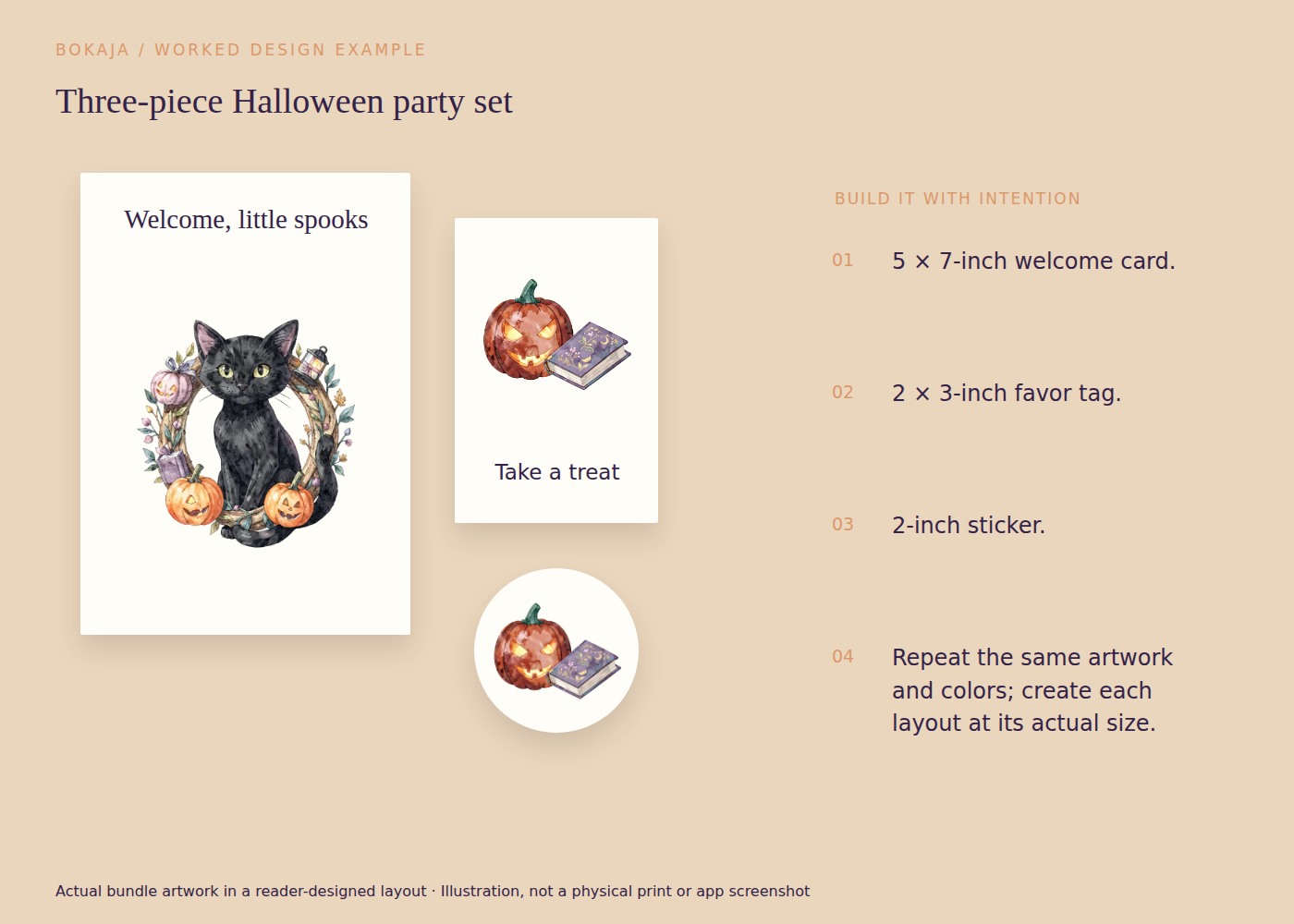
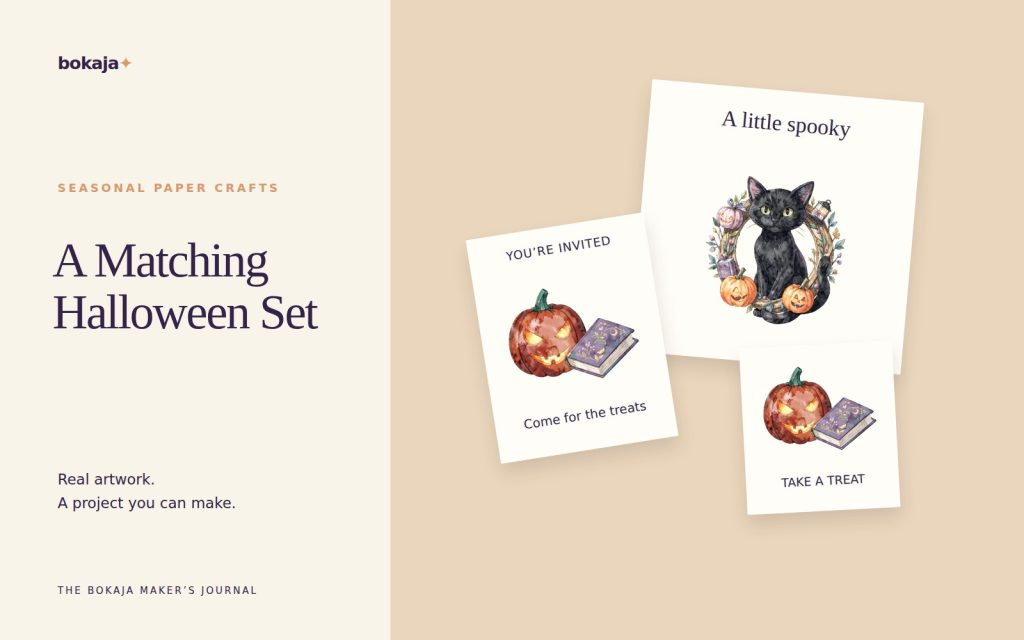
Build a small set around the black-cat bookshop collection: a 5 × 7-inch welcome card, 2 × 3-inch hanging tags and 2-inch stickers. Use the monster parade collection instead if a playful treat-table theme fits your event better. You create the layouts and wording; the products supply PNG illustrations.
Choose one typeface for ordinary information and one accent color sampled visually from the selected artwork. Keep the welcome card’s important text inside quarter-inch margins. Use a short heading and one useful instruction, such as where to leave gifts or collect an activity sheet.
On the tag, reserve the top half-inch for attachment. On the sticker, keep the full composition inside its 2-inch boundary. Reuse the same illustration at different scales, but do not shrink the welcome card wholesale to make a tag: its small text would become unreadable. Rebuild each piece around its own job.
For a party of twelve, write a production count before printing: one welcome card, twelve tags and perhaps twelve stickers. Add only the spare quantity you actually need. If the event also needs an activity, a plain instruction sheet with one small matching accent can be more useful than another decorative sign.
Make one of each item and set them together. Check that the visual style matches while the information hierarchy differs appropriately: the welcome card reads from a distance, the tag identifies a package and the sticker carries a short message.
Keep ingredient and manufacturer information visible on food packaging. Decorative labels should not replace the original information or suggest ingredients you have not confirmed. Finish the functional pieces first; any extra decoration is optional, not a requirement for a coordinated party.
Your core checklist
- Confirm the venue, time, guest count and age range.
- Choose one visual style and a small color palette.
- Measure the sign holder, packaging and activity surface.
- Write and verify all guest-facing information.
- Make one proof of each item at its intended size.
- Check materials, attachment and any food information.
- Print the approved quantity with a few useful spares.
Use this checklist to create the layouts and activity content for your own event.
Piece one: a welcome or direction sign
Decide whether the sign welcomes guests or tells them where to go. Those are different priorities. A sign at a doorway may need a large arrow and a short instruction more than a long party title.
Measure the frame or holder and keep essential text within its visible opening. A frame can cover more of the edge than expected. Use strong contrast and test the wording from the distance where guests will first see it.
Piece two: labels with a clear job
List the labels the event genuinely needs: activity stations, favor bags, storage bins or food choices. Use different wording where the function differs, while keeping a consistent type style and small visual accent.
For food, use the actual packaging or recipe information and keep relevant ingredient and allergen details available. A playful name such as “witches’ bites” should not replace the plain description of what the food contains.
Do not apply ordinary paper, ink or adhesive directly to food. Keep decorative labels on suitable packaging or holders and follow the materials’ intended use.
Piece three: one achievable activity sheet
Choose an activity suited to the guests and available supervision. A simple drawing prompt, a make-your-own-monster page or a short observation hunt can be more manageable than several unfinished stations.
Write complete instructions and check that all needed materials are available. For a drawing page, leave a large usable area rather than filling it with clipart. For a hunt, use clues tied to the actual venue and avoid directing guests into unsafe or private areas.
If answers are required, prepare a host copy at the same time. Do not rely on improvising the rules while guests wait.
Build a realistic production session
Print the longest label, the smallest text and the main sign first. Check dimensions, contrast and cut edges. Then group the batch by task: print, trim, personalize, attach.
If using a Cricut-compatible Print Then Cut process, follow the current supported area and inspect the actual cut preview. The Halloween Print Then Cut guide can support that production route, but a hand-cut set may be simpler for a small event.
Keep paper decorations away from heat and flames, and use suitable attachment methods. Do not assume a digital mockup proves that a sign will stand or a topper will remain stable.
Stop when the event needs are covered
Before adding another printable, ask what it improves. If the answer is only “it matches,” the time may be better spent checking the venue and supplies.
Browse the free PNG samples to test a style before choosing a full collection, and review the current licence for any commercial use. A small, readable and well-prepared set is a complete result—not an unfinished version of a much larger decorating project.
Your next step
Finish the pieces that guests will use, then stop or add only what the event genuinely needs. A small, coordinated set is easier to print, assemble and keep accurate.
Start with Cute Halloween Black Cat Pumpkin Bookshop, or choose Little Monster Trick-or-Treat Parade for the alternative theme described above. These collections supply PNG illustrations for your own layout; the project text and construction remain yours.