A coordinated gingerbread bakery printable set can connect invitations, table labels, favors, and thank-you cards without making every item identical. The practical rule is simple: repeat a few graphics and colors, then keep names, dates, food details, and instructions editable.
Planning a cocoa-bar variation? The Snowman cocoa-bar winter-market printables guide maps menus, ingredient notes, cup markers, queue signs, favor tags, and organizer checks for a coordinated winter-market setup.
Start with a controlled winter-bakery visual set
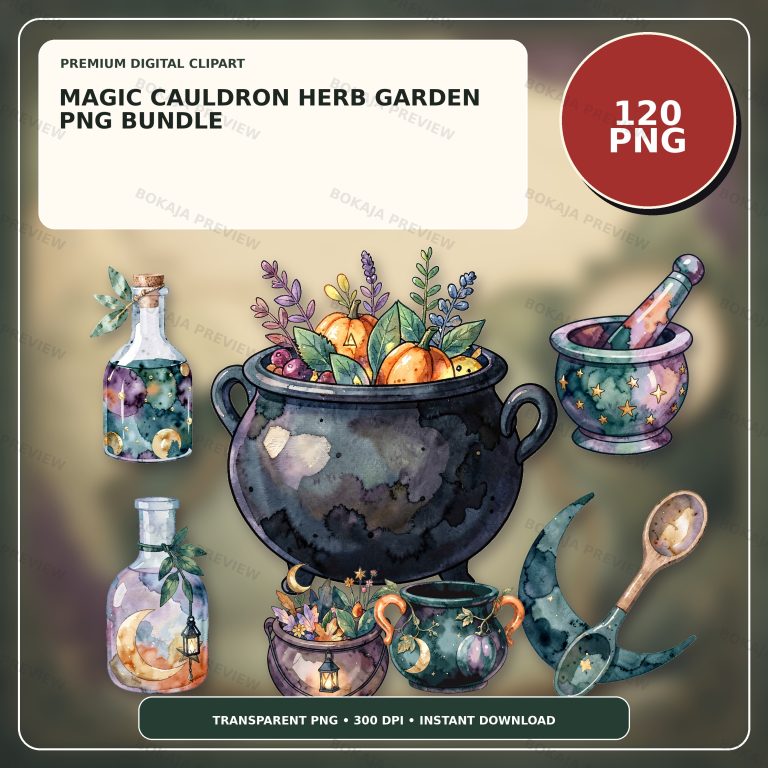
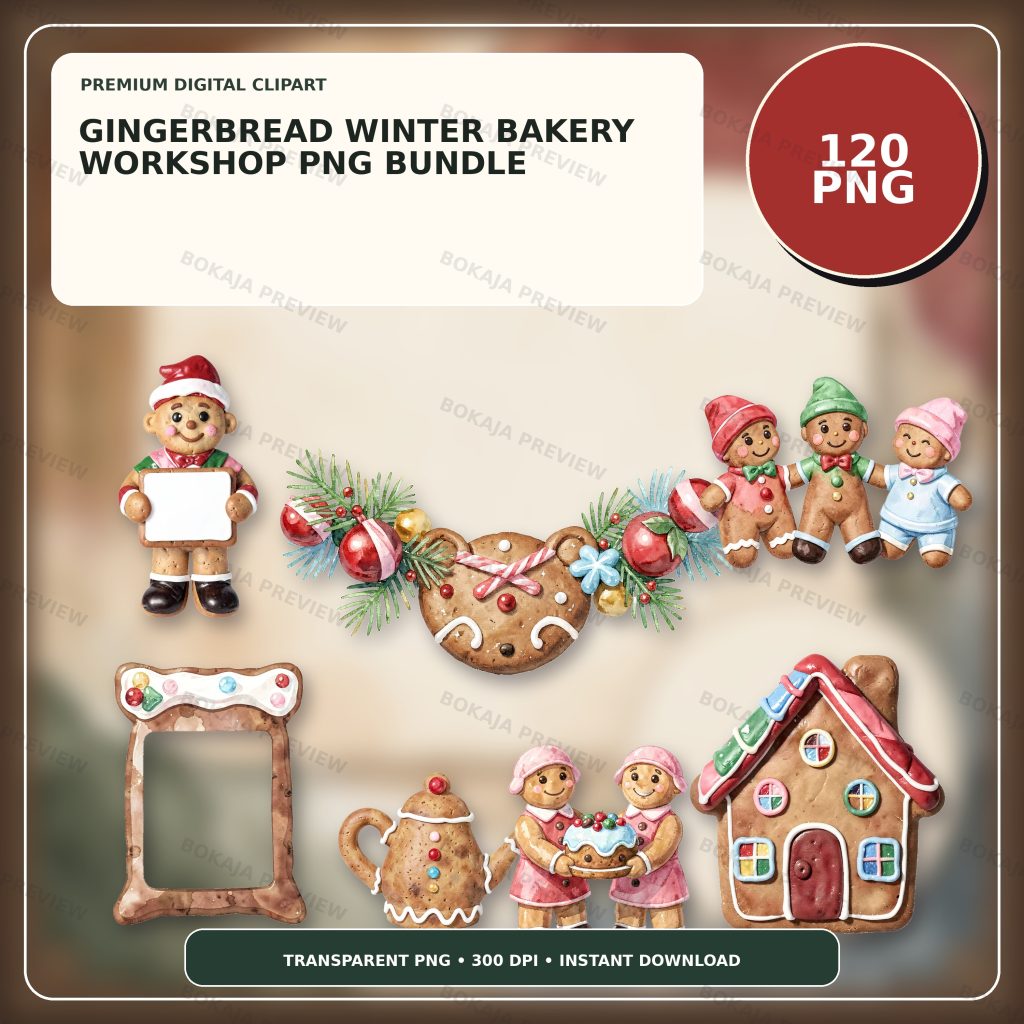
The Gingerbread Winter Bakery Workshop PNG Bundle is a live, purchasable digital product with 120 transparent PNG graphics at 3072 × 3072 px and 300 DPI metadata. It uses generic cookie friends and festive baking props without readable text, logos, known characters, or a complete kitchen scene.
These PNG graphics are decorative source material. They are not editable invitations, recipes, food labels, safety instructions, or a complete party template. Add every name, date, address, recipe title, ingredient note, and thank-you message as live text in Canva, Cricut Design Space, or another suitable layout tool.
Choose one gingerbread character for major headings, one baking prop for small markers, and one quiet border treatment. Repeating those elements gives the set continuity without crowding the text.
Gingerbread printable planning matrix
| Printable | Main job | Useful format | Essential editable or trust check |
|---|---|---|---|
| Invitation accent | Support event details visually | Corner or header graphic | Date, place, host, and RSVP details remain editable |
| Recipe-card header | Identify a user-supplied recipe | Top banner | User verifies recipe, quantities, and instructions |
| Treat-table label | Name an item clearly | Tent or flat card | Required ingredient and allergen details stay factual |
| Favor tag | Identify a gift or add a short message | Small punched tag | Keep names and wording readable after trimming |
| Sticker seal | Close permitted packaging or decorate a bag | Small circle or square | Do not imply tamper evidence or food-contact suitability |
| Thank-you card | Share a short follow-up message | Folded or flat card | Keep recipient and message editable |
The matrix helps separate decorative jobs from factual ones. A sticker seal can look coordinated with a treat label, but it does not prove that packaging is sealed safely or suitable for food.
Add artwork to invitations after the details
Start with the event name, date, time, place, host, and response details. Confirm every fact before adding the gingerbread character. Keep the main text on a quiet background and place the illustration at the edge.
Print one invitation at final size. Check the smallest line, especially the address and response details, under normal lighting. If the page is crowded, remove a decorative prop before reducing the type.
For a digital invitation image, preview it at phone size as well as full size. Do not publish a sample containing a private home address, phone number, child name, or real response contact. The Canva vs Cricut guide helps separate layout work from cutting-machine preparation.
Keep recipe-card headers separate from recipe facts
A gingerbread header can visually identify a recipe collection, but the user must supply and verify the recipe itself. Use editable text for the recipe title, quantities, units, timing, temperatures, storage notes, and method.
Do not invent recipes or imply that the PNG bundle includes tested food instructions. If recipe cards are shared, name the source where appropriate and check that the user has permission to reproduce the recipe wording.
Design the header so it does not squeeze the ingredients into a narrow column. Long ingredient names and multi-step methods need more room than decoration. Print a full card before committing to a batch.
Make treat-table labels factual and readable
Write the accurate item name first. Add required ingredient or allergen information according to the rules that apply to the event, organization, seller, and location. Decorative pictures do not communicate that a food contains or is free from a particular ingredient.
Do not use terms such as “allergy-safe,” “healthy,” “sugar-free,” “gluten-free,” or “nut-free” unless the responsible person has verified that exact claim and is permitted to make it. Follow official food handling and labeling guidance rather than relying on a craft article.
Use high contrast and a font large enough for the actual table distance. Keep the gingerbread graphic beside the words, not behind them. A folded tent card needs a proof because the lower half may be hidden by the fold or display angle.
Design favor tags around the trim line
A favor tag needs space for a hole, string, trim margin, short message, and perhaps a recipient name. Place the essential wording first, then add a small cookie or baking prop where it will not be cut.
Print one page on the selected material and trim one tag. Check whether the hole weakens the paper, whether the string covers the message, and whether the finished tag turns away from the package.
If favors contain food, the tag does not replace required labeling or responsible packaging. Keep any necessary food information visible and accurate. For clean image edges before printing, follow the PNG transparency and quality guide.
Use sticker seals as decoration, not a safety claim
A round gingerbread sticker can repeat the visual theme on a permitted bag, box, or envelope. It should not be described as tamper-evident, food-safe, freezer-safe, dishwasher-safe, or suitable for direct food contact unless the chosen material is specifically approved for that use.
Test the artwork and wording at final size. Tiny recipe-style phrases become unreadable quickly, so a short message such as “Thank you” or the event name is more practical. Keep critical information somewhere larger and easier to verify.
If using a cutting machine, add the correct offset or border for the chosen workflow and run a single-sheet test. The article cannot guarantee results across printers, paper, laminate, cutters, blades, mats, or software versions.
Make thank-you cards reusable
A thank-you card can use the same heading character and border as the invitation while changing the message. Keep the recipient name and note editable so the card remains personal and accurate.
For a small-business finished physical item, do not include language that promises shipping speed, sales outcomes, or product performance unless the seller can support it. Review the commercial use clipart guide and the current Bokaja license before planning inventory.
The simplest reusable card has a fixed decorative front and an open writing area. Print one folded sample to check front-to-back orientation and safe margins.
Winter bakery printable production checklist
- ☐ Confirm the real event details before designing.
- ☐ Keep names, dates, addresses, and response details editable.
- ☐ Use one main gingerbread character and two supporting props.
- ☐ Keep artwork away from essential text, folds, holes, and trim lines.
- ☐ Treat recipe wording and food facts as user-supplied information.
- ☐ Verify ingredients, allergens, storage, and food guidance responsibly.
- ☐ Do not imply packaging, seals, or labels are food-safe without evidence.
- ☐ Print one invitation, treat label, favor tag, and sticker at final size.
- ☐ Test the actual paper, printer, cutter, adhesive, and packaging.
- ☐ Check contrast and the smallest text under normal lighting.
- ☐ Keep private event details out of public previews.
- ☐ Save editable masters separately from print-ready exports.
- ☐ Review the Bokaja digital product license before selling permitted finished physical items.
A soft product example
Product example: Use one gingerbread cookie friend on the invitation and thank-you headings, a rolling-pin or baking prop on recipe headers and treat labels, and a simple face on small sticker seals. The Gingerbread Winter Bakery Workshop PNG Bundle provides a coordinated visual library while all event, recipe, food, and recipient wording remains editable.
The product is digital; no physical cards, tags, stickers, food, or party supplies are shipped. Its attached order-download PDF contains the download link for the ZIP package. Read Digital Downloads and Refunds for current access and support information.
Related Bokaja tutorials
- Halloween Party Printables Checklist
- Canva vs Cricut for Transparent PNG Files
- How to Check PNG Transparency and Quality
- Commercial Use Clipart License Guide
- How to Use Canva for Beginners
FAQ
Does the PNG bundle include editable party templates?
No. It contains transparent PNG graphics. Build invitations, recipe cards, table labels, tags, stickers, and thank-you cards in suitable layout software and keep all wording editable.
Can a gingerbread picture replace ingredient or allergen information?
No. Decorative artwork does not communicate whether food contains or is free from an ingredient. Follow the rules and responsible guidance that apply to the event, organization, seller, and location.
Are sticker seals automatically suitable for food packaging?
No. Follow the material and packaging manufacturer’s instructions. Do not assume a printable, ink, adhesive, laminate, or paper is approved for direct food contact or a particular storage condition.
Will every printer and cutting machine produce the same result?
No. Printer calibration, paper, ink, laminate, cutter, blade, mat, software, and settings vary. Run a real-size single-sheet proof before making a batch.
Can I sell finished winter party items made with the graphics?
Review the digital product license first. Permitted finished physical items are different from reselling, sharing, extracting, uploading, or repackaging the original PNG or ZIP files.