A classroom newsletter is useful when a family can find the next action quickly. Put dates, materials and responses ahead of decoration, then use a simple visual structure to make the update easy to scan on paper or a phone.
Choose Storybook Pencil & Book Club for the reading update, or Rainbow Crayon Art Studio for a creative-class update. Both are paid PNG artwork collections for layouts you design yourself; add your own text, shapes and measurements.
Make it with these Bokaja sets
Choose the style that fits your project. These are digital PNG artwork collections: add your own text and build the layout shown in this guide.

Storybook Pencil & Book Club
Book-club artwork for the reading update.
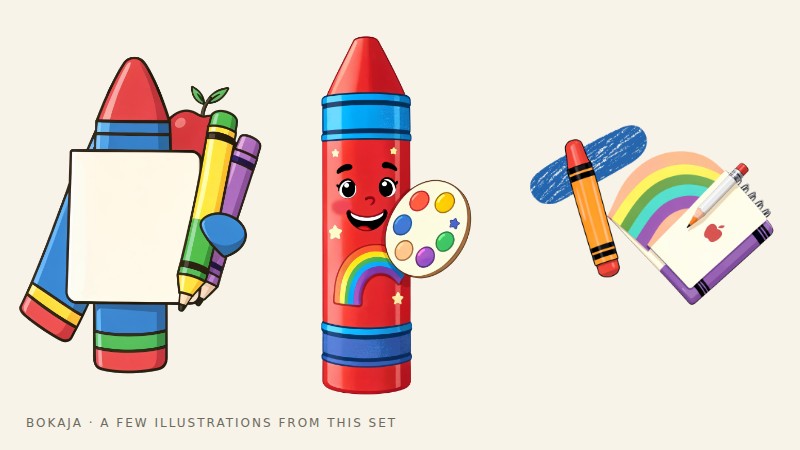
Rainbow Crayon Art Studio
Art-studio artwork for a creative-class update.
Worked example: a newsletter a family can scan in thirty seconds

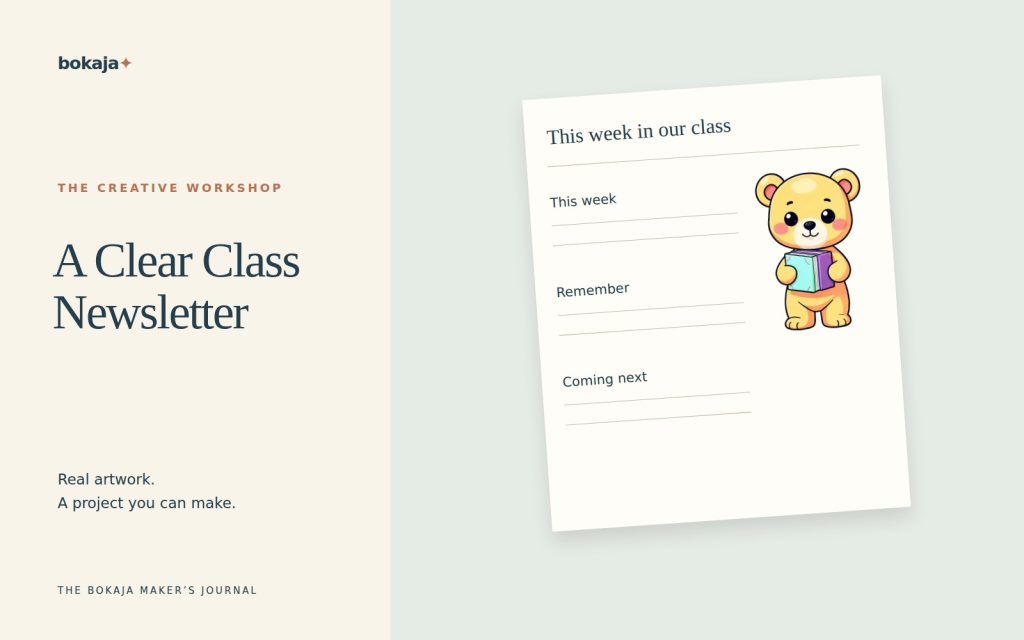
Use an 8.5 × 11-inch page with half-inch margins. The content width is 7.5 inches. Divide it into a 4.75-inch main column, a 0.25-inch gap and a 2.5-inch action column.
Give the top 1 inch to the class name and date range. Place one small book-club PNG near the heading, not behind the text. Below it, use the main column for a short learning update and the narrow column for dates and actions. Leave the bottom inch for a clear contact route or recurring reminder.
Draft the action box with verbs and dates. For example: “Return the permission form by Thursday” is more actionable than “Permission forms.” If a date has not been confirmed, do not hide that uncertainty behind a polished layout; leave the item out until it can be stated accurately or identify it as provisional.
Aim for three short action items rather than a dense paragraph. Start body copy around 11–12 points for print and check the actual font. If the newsletter will mainly be read on phones, also provide the essential actions as plain message text or a single-column version. A miniature two-column PDF can be awkward on a narrow screen even when the printed page is clear.
For the first proof, cover the artwork and read only headings, dates and bold phrases. Can you still identify what a family needs to do? Then uncover the artwork and check that it adds warmth without changing the reading order.
Keep a reusable master with fixed heading positions. Each week, replace the date range and action list first, then update the longer narrative. This helps prevent a beautiful new newsletter carrying last week’s deadline.
Sort the content before designing
Write the draft in plain text first. Separate it into three groups: what families need to do, what they need to know soon, and what helps them understand recent classroom work.
For example, “Return the permission form by Thursday” belongs above a paragraph about last week’s art activity. Give each requested action a specific date and a clear destination or response method.
Avoid relative wording such as “next Friday” when the newsletter may be read later. Write the actual date and check it against the calendar. Include the year where ambiguity is possible.
Make the action box specific
Each action should answer: who needs to do what, by when, and how? In a fictional example, compare “Trip forms!” with “Please return the signed museum-trip form to the class folder by 12 October.” The second sentence reduces uncertainty.
If an item is optional, say so. If families need to bring something, explain what can be substituted and where to ask for help, consistent with school policy. Do not let a decorative checklist imply that every household has the same resources.
Limit the box to genuine actions. If every paragraph is highlighted as urgent, the visual emphasis stops being useful.
Add a small amount of purposeful artwork
Use one classroom illustration near the heading or a small icon beside a section. Keep clipart out of the body-text background and away from important dates.
A consistent image style can make recurring issues recognizable. It should not force you to change the layout every week or print large color blocks on every copy.
Write for varied reading situations
Use short paragraphs, direct verbs and descriptive headings. Explain school-specific abbreviations. Where translated communication is needed, follow the school’s process and have the actual wording checked; an attractive layout does not compensate for an inaccurate translation.
Keep essential information as real text in the document where the publishing tool supports it, rather than turning the whole newsletter into a single image. An image-only message can be harder to search, enlarge or use with assistive technology.
Provide the communication through the approved channels and formats. If a PDF is used, check its reading order and accessibility options in the tool available to you.
Protect student information
Use only photographs, names and work samples approved for the intended audience under school policy. A classroom update sent privately and a public website post have different exposure.
Do not include behavior reports, medical details or individual difficulties in a general newsletter. Even a cheerful photo can reveal a name tag or other information in the background, so review the complete image.
For design practice, use fictional names and dates. Replace them carefully and run a final privacy check before sending anything.
Proof it in the way families will read it
Print one copy and view the export on a phone. Check whether the smallest text is readable, links work, and the most important action appears near the beginning. Ask a colleague to identify the deadline without an explanation from you.
Check dates, spellings and contact details separately from the visual review. Save the editable master with recurring sections, then duplicate it for the next issue.
For layout mechanics, see the Canva PNG guide. Keep the newsletter’s success measure simple: can its readers understand what matters and what, if anything, they need to do next?
Your next step
Before each issue, update dates and actions first. The repeatable layout should make the next message faster to prepare while keeping the most important information easy to find.
Start with Storybook Pencil & Book Club, or choose Rainbow Crayon Art Studio for the alternative theme described above. These collections supply PNG illustrations for your own layout; the project text and construction remain yours.
For commercial or shared deliverables, check the current artwork licence for the intended use.