Planning a princess garden tea party is easier when the invitations, table details, and take-home pieces share one visual style. This guide shows how to turn transparent PNG clipart into a coordinated set using Canva or a similar design tool.
Start with one coordinated digital download
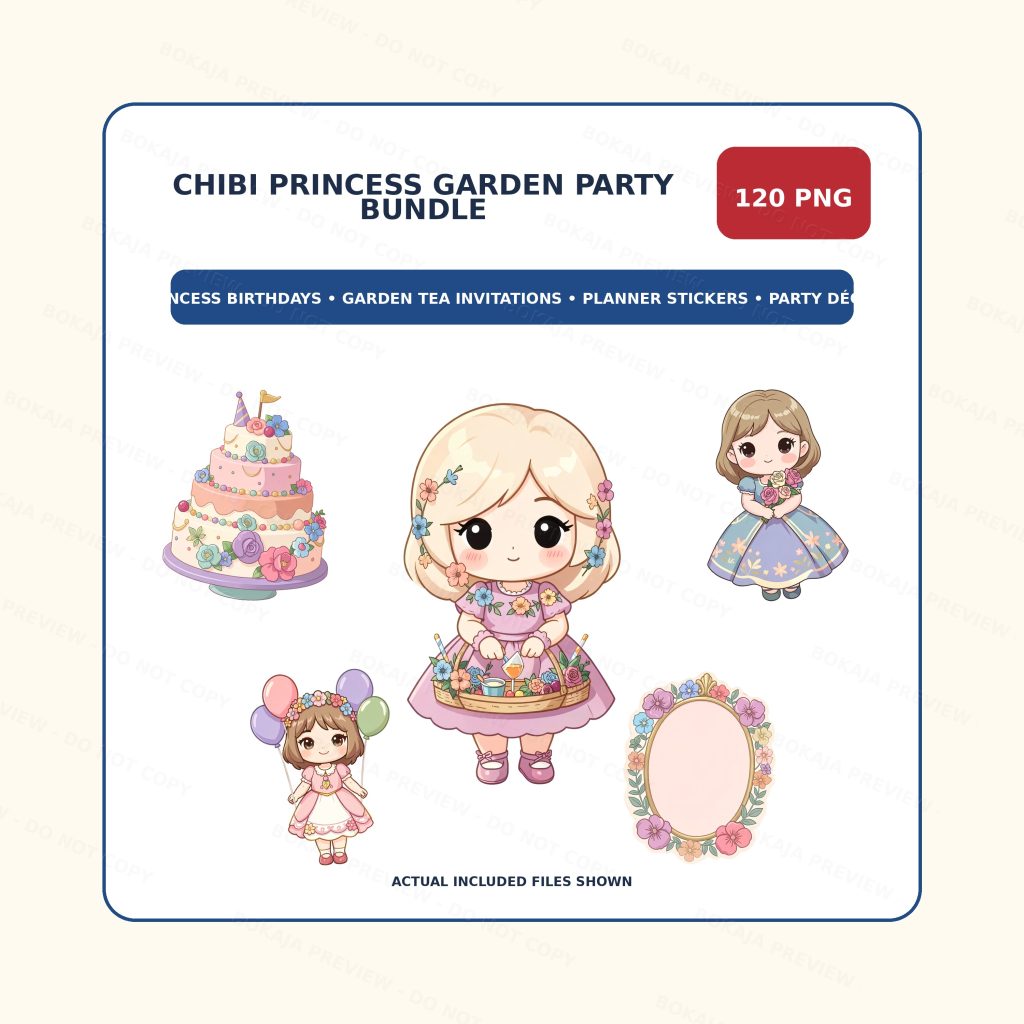
Chibi Princess Garden Party PNG Bundle is a live, purchasable €3.00 digital download with 120 transparent PNG graphics, 3072×3072 px files, and 300 DPI metadata. The listing includes a PDF with a download area ZIP link. It contains generic crowns, flowers, tea props, and party motifs rather than named characters or logos.
No physical item ships. Download the files, place them into your chosen editor, and save working copies before designing.
Printable planning matrix
| Party piece | Output | Tool or material | Best use |
|---|---|---|---|
| Invitation | A5 or 5×7 card | Canva and home/print shop printer | Set the mood and share details |
| Welcome sign | A4 or larger print | Canva and cardstock | Direct guests to the party |
| Banner | Lettered pennants | Cardstock, hole punch, ribbon | Frame the dessert or gift table |
| Cupcake toppers | Small circles or crowns | Cardstock and food-safe sticks | Repeat the party motif |
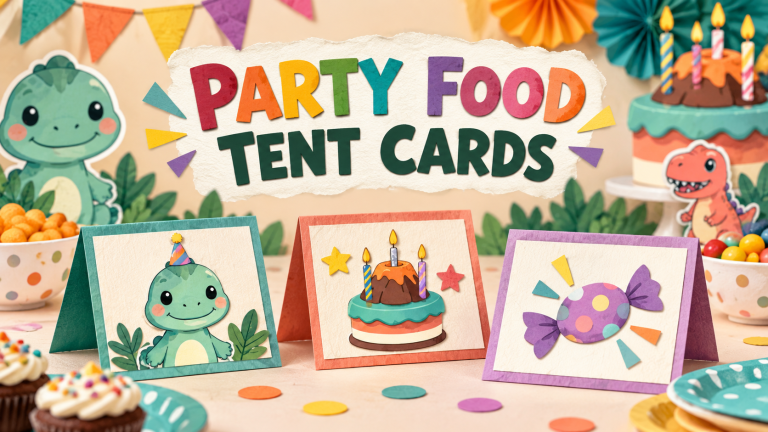
| Food labels | Folded tent cards | Cardstock | Make the tea table easy to navigate |
| Favor labels | Tags or stickers | Sticker paper or cardstock | Personalize small take-home gifts |
| Thank-you tags | Small cards | Cardstock and ribbon | Close the party with a warm note |
| Planner stickers | Digital or printed stickers | Planner app or sticker paper | Track guests, tasks, and purchases |
A practical Canva workflow
1. Collect the party details first
Write the child’s name, date, time, address, RSVP method, allergy note, and dress guidance in one place. This avoids redesigning every card when a detail changes.
2. Build the invitation before the decorations
Create a simple background, add one or two PNG elements, and leave generous space around the text. Duplicate the file for the welcome sign and table labels so colors and typography stay consistent.
3. Design at the final size
Set each page or canvas to the intended output. Keep cupcake toppers and favor tags on a separate page, then print one test sheet to check trimming, legibility, and color.
4. Make a small production batch
Print only what you need for the guest count plus a few extras. Cut a sample before printing the full set; transparent artwork is flexible, but paper weight and printer margins still affect the finished result.
Checklist before the party
- ☐ Confirm guest list, RSVP details, and allergy wording.
- ☐ Choose one background palette and two readable fonts.
- ☐ Create and proof the invitation.
- ☐ Prepare the welcome sign and banner.
- ☐ Count cupcake toppers, food labels, and favor tags.
- ☐ Print a color and trimming test.
- ☐ Assemble the table pieces at least one day ahead.
- ☐ Save the original PNGs and final print files separately.
- ☐ Review the Bokaja digital product license before selling or gifting finished work.
A soft product example
Example setup: Use the bundle’s crown and floral graphics on the invitation, a tea-cup motif for food labels, and a repeated border element for favor tags. This keeps the set cohesive without putting every graphic on every page. Browse the Bokaja shop when you want to compare other original PNG collections.
More Bokaja tutorials
- DIY Birthday Party Decor on a Budget
- The Ultimate Guide to Canva for Beginners
- 10 Creative Ways to Use Chibi Clipart for Kids Birthday Parties
- Free Fairy Woodland PNG Sample Pack
For questions about accessing a digital download, see Digital Downloads, Refunds, and Help. The product is delivered as digital files; no physical party supplies are mailed.
FAQ
Are the files transparent PNGs?
Yes. The featured bundle contains transparent PNG graphics, useful for layering over backgrounds in Canva and similar editors.
Can I edit the PNGs like an SVG template?
PNG graphics can be resized and layered, but they are not editable SVG templates. Test the size and quality at the intended print dimensions.
Can I sell finished party printables?
Check the digital product license first. The source PNGs may not be resold, shared, uploaded, extracted, or repackaged as standalone digital assets.
Is this a physical product?
No. It is a digital download. You print or assemble the finished party pieces yourself.
What if I need help with the download or a refund?
Review the digital downloads and refunds page for the current help and refund process.