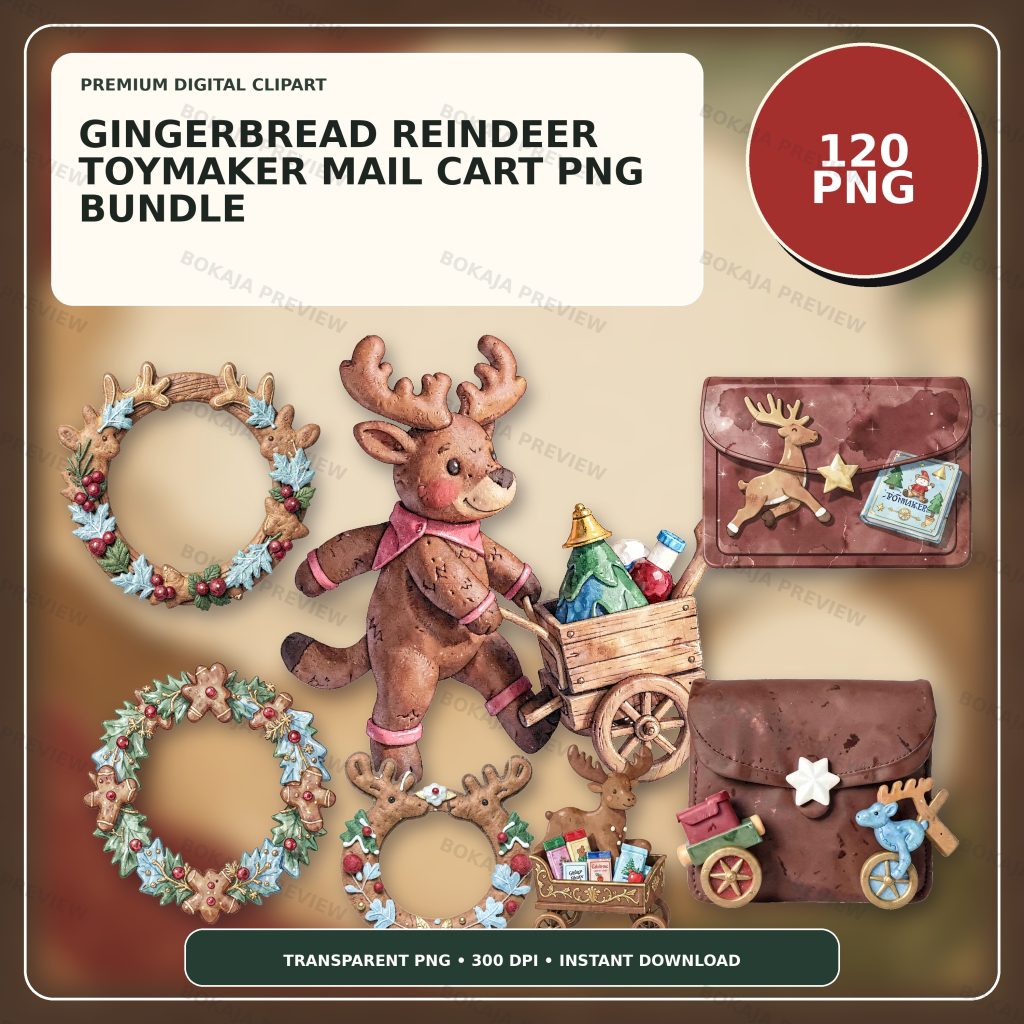
A gingerbread reindeer pushing a tiny wooden mail cart can tie a holiday gift station together, but the illustration is decoration rather than a delivery service. Decide how cards, parcels, and gifts will actually be collected first. Keep recipients, dates, item facts, collection points, contact routes, and permissions editable so one design change does not make the whole set inaccurate.
Build one coordinated toy-mail set
The Gingerbread Reindeer Toymaker Mail Cart PNG Bundle is a live, purchasable digital product with 120 transparent PNG graphics at 3072 × 3072 px and 300 DPI metadata. The visual family centers on gingerbread reindeer pushing a tiny wooden toy mail cart, supported by holiday-mail, gift-tag, card, sticker, and craft elements.
These PNG files are visual source material. They are not printed cards, labels, signs, gifts, toys, parcels, postage, address records, delivery instructions, or supervision guidance. Add the practical wording in Canva, Cricut Design Space, or another suitable layout tool as live text. That lets the responsible maker correct a name, date, collection point, item description, or contact route without rebuilding the artwork.
Choose one main reindeer-and-cart illustration for the collection sign. Use two or three quieter parcel, ribbon, star, or cookie-style elements on the smaller pieces. A limited visual family creates consistency while leaving clear space for facts that matter more than decoration.
Gingerbread reindeer printable matrix
| Printable | Practical job | Editable facts | Responsible-maker check |
|---|---|---|---|
| Toy-mail card | Introduce the real activity | Sender, recipient, date, message | Confirm the intended recipient |
| Parcel label | Identify an organizer-approved item | Item, owner, route, collection point | Match the physical item |
| Collection sign | Explain where and when | Location, opening time, help route | Match the actual setup |
| Gift tag | Connect a gift to a recipient | Names, short message, date | Protect private details |
| Packing slip | Track an approved handoff | Item list, count, owner, status | Keep the source record authoritative |
| Thank-you note | Close the exchange | Sender, recipient, follow-up | Avoid promising delivery |
Each piece should perform one clear job. Keep complete addresses, private contacts, payment information, current postal rules, customs data, emergency procedures, consent records, and supervision plans in their authoritative systems. A decorative reindeer cannot validate an address, guarantee arrival, approve a toy, or establish that an activity is suitable.
Define the real mail-cart workflow first
“Toy mail” might mean a classroom pretend-post office, a family gift table, a market collection point, or a maker's packing station. Write down the actual workflow before designing. Who places an item in the cart? Who is allowed to collect it? Where is the authoritative recipient list? What happens to unclaimed items? Which details can safely appear on a public-facing label?
Use fictional names and addresses in template examples. Do not display private home addresses, phone numbers, order details, or recipient information in public screenshots. If the project imitates real post, label it as a pretend or decorative activity and source current postage or customs requirements from the applicable postal authority. The artwork does not supply postage or a delivery promise.
When food or toys are involved, keep current ingredient, allergen, age, assembly, and safety information with the original provider or packaging. A gingerbread graphic does not prove that an item contains gingerbread, is edible, or suits a particular participant. A wooden-toy illustration does not certify a real toy.
Lay out the set in Canva or Cricut
Start with the largest piece, usually the collection sign. Put the practical heading and collection facts in a quiet text area, with the reindeer and cart beside the wording rather than behind it. Build the smaller pieces from the same color palette and typography. Use short labels, strong contrast, and generous margins.
In Canva, lock the illustration layer once it is placed and keep names, times, and routes in separate text boxes. In Cricut Design Space, flatten only after the wording is approved and keep an editable source copy. The Canva vs Cricut PNG workflow explains where each tool is most useful.
For cut pieces, allow room around holes, folds, ribbon slots, and cut paths. Avoid placing a recipient name near a trim edge. If a sign will be read across a room, print it at intended size and view it from the real distance. A beautiful screen preview can still fail when its smallest wording is printed.
Make a low-ink final-size proof
Gingerbread browns, red ribbons, small parcel marks, and wood textures can merge on a low-ink printer or colored paper. Create a simplified proof with one small graphic, dark live text, and a plain background. Print one card, parcel label, gift tag, and packing slip on the intended material.
Check the smallest type, contrast, actual names, collection date, item wording, help route, borders, holes, folds, and cut lines. Compare the label with the physical parcel. If using a cutter, test one sheet with the actual blade, mat, material, and current software settings. The PNG transparency and quality tutorial helps identify unwanted backgrounds and soft edges before a full run.
Toy-mail printable checklist
- ☐ Confirm the responsible maker, actual workflow, collection point, date, and help route.
- ☐ Keep recipients, item details, dates, routes, and collection status editable.
- ☐ Use fictional names and addresses in public template examples.
- ☐ Keep private contacts, orders, payments, and full addresses out of decorative labels.
- ☐ Check current postage, customs, toy, food, and event facts with authoritative sources.
- ☐ Avoid supported-delivery, universal-suitability, or unsupported safety claims.
- ☐ Print the card, label, sign, tag, slip, and note at final size.
- ☐ Review the Bokaja digital product license before selling permitted finished physical items.
A soft product example
Product example: Use the gingerbread reindeer and wooden mail cart on the main collection sign, repeat smaller parcel or ribbon graphics on labels and gift tags, and reserve the quietest layout for recipient and collection facts. The Gingerbread Reindeer Toymaker Mail Cart PNG Bundle provides a coordinated visual library while the responsible maker controls every name, item description, collection point, date, address decision, permission, and handoff rule.
The product is digital; no card, label, sign, parcel, gift, toy, cart, stationery, postage, or other physical item is shipped. After checkout, open the attached order-download PDF from the order downloads to access the package link. Read Digital Downloads and Refunds for current access and support information.
Related Bokaja tutorials
- Christmas Gift-Wrapping Station Printables
- Winter Animal Ornament Workshop Printables
- Canva vs Cricut for Transparent PNG Files
- How to Check PNG Transparency and Quality
- Bokaja Digital Product License
FAQ
Does the bundle include printed cards, labels, parcels, or toys?
No. It contains transparent PNG graphics. Build finished printables in suitable software, then source and verify paper, labels, parcels, toys, postage, collection details, and other real materials separately.
Can the artwork verify an address or guarantee delivery?
No. Use the appropriate postal or event source for addresses, postage, deadlines, and routing. A decorative reindeer and mail cart cannot validate those facts or promise an arrival date.
Can I use real recipient details in a public template example?
Use fictional data in public examples. Keep real names, addresses, contacts, orders, gifts, permissions, and collection records private unless the responsible people explicitly approve that use.
Can I sell finished gift tags made with these graphics?
Review the digital product license first. Permitted finished physical products are different from reselling, sharing, uploading, extracting, or repackaging the original PNG or ZIP files.
More winter printable project ideas
Keep the same fictional-data and material-testing rules while adapting the workflow for a Christmas candle-dipping workshop, a Nordic gnome lantern village, a Christmas snow-globe craft station, a snowman cocoa-bar winter market, or a woodland owl carol lantern trail.