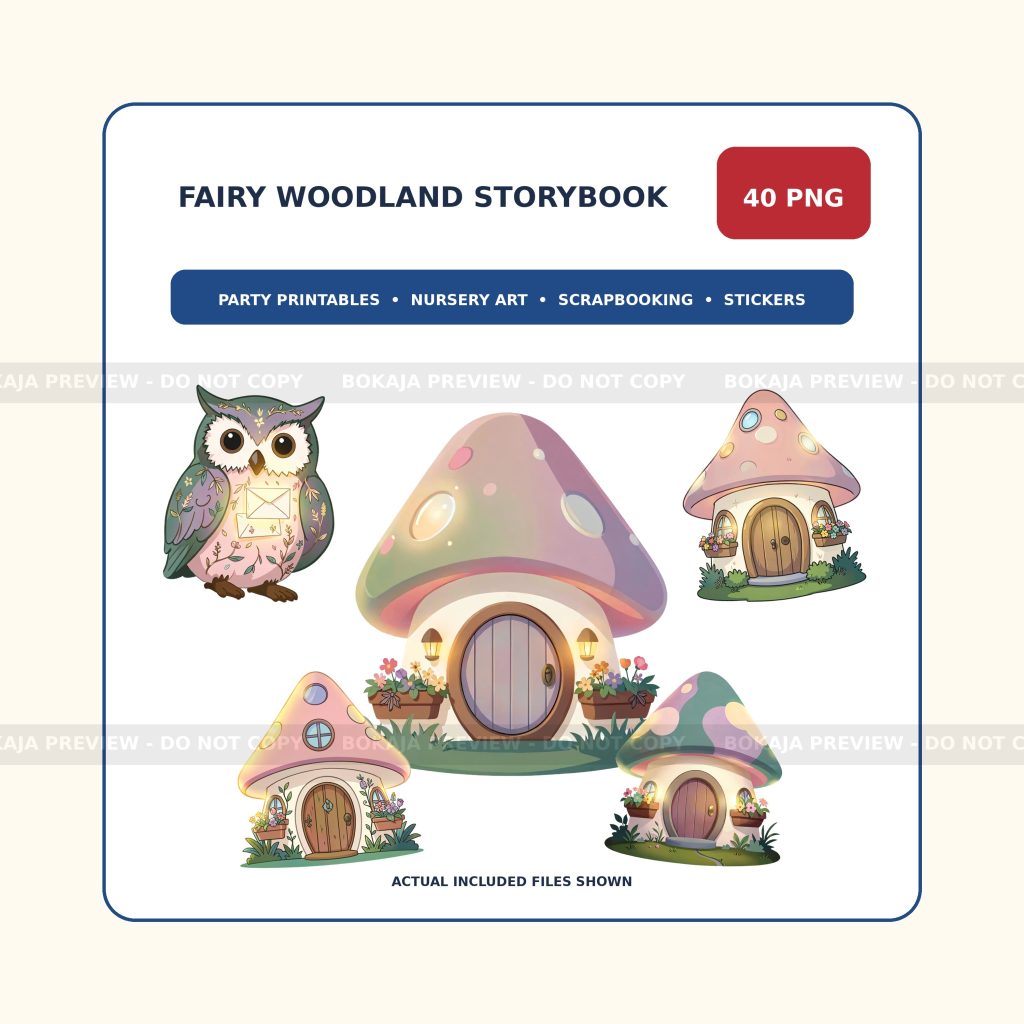
Fairy woodland party printables look cohesive when every piece follows the same small design system. This guide turns that idea into a practical workflow for parents, party makers, and small creative shops using Canva, Cricut, or another layout tool.
Fairy woodland party printable plan
Invitations
Set the palette, headline style, date hierarchy, and main woodland scene.
Cupcake toppers
Use one character or object per circle and keep a safe margin around the cut edge.
Food labels
Pair a small visual accent with large, high-contrast text that is readable from the table edge.
Welcome sign
Scale up the same invitation artwork and leave generous room for the child or event name.
Favor tags
Use short wording, one focal graphic, and enough blank space for a hole punch or ribbon.
Thank-you cards
Repeat the palette and one familiar character so the final piece belongs to the same set.
Start with one reusable invitation layout
- Choose two main colors and one accent color.
- Place one focal fairy, woodland animal, cottage, or floral element.
- Add the event name first, then the date, time, and location in descending text sizes.
- Check the layout at the final print size instead of judging only on screen.
- Duplicate the page and adapt it into the other printable formats.
Use the right file and layout workflow
Transparent PNG artwork is useful because it can sit over colored shapes, paper textures, or photos without a white rectangle. In Canva, keep repeated colors and type styles in one design file. In Cricut Design Space, flatten printable layers before Print Then Cut and confirm the final size before sending the project to the printer.
For tool-specific basics, use the Canva beginner guide and the Cricut projects guide.
Fairy party printable checklist
- One consistent palette across every item.
- Readable text at the final physical size.
- Safe margins around trim, fold, and hole-punch areas.
- No low-contrast text over detailed artwork.
- One proof page before the full print run.
- One test cut for stickers or toppers.
- Current license checked before selling finished items.
- Backup PDF or source layout saved before exporting.
A real fairy woodland artwork example
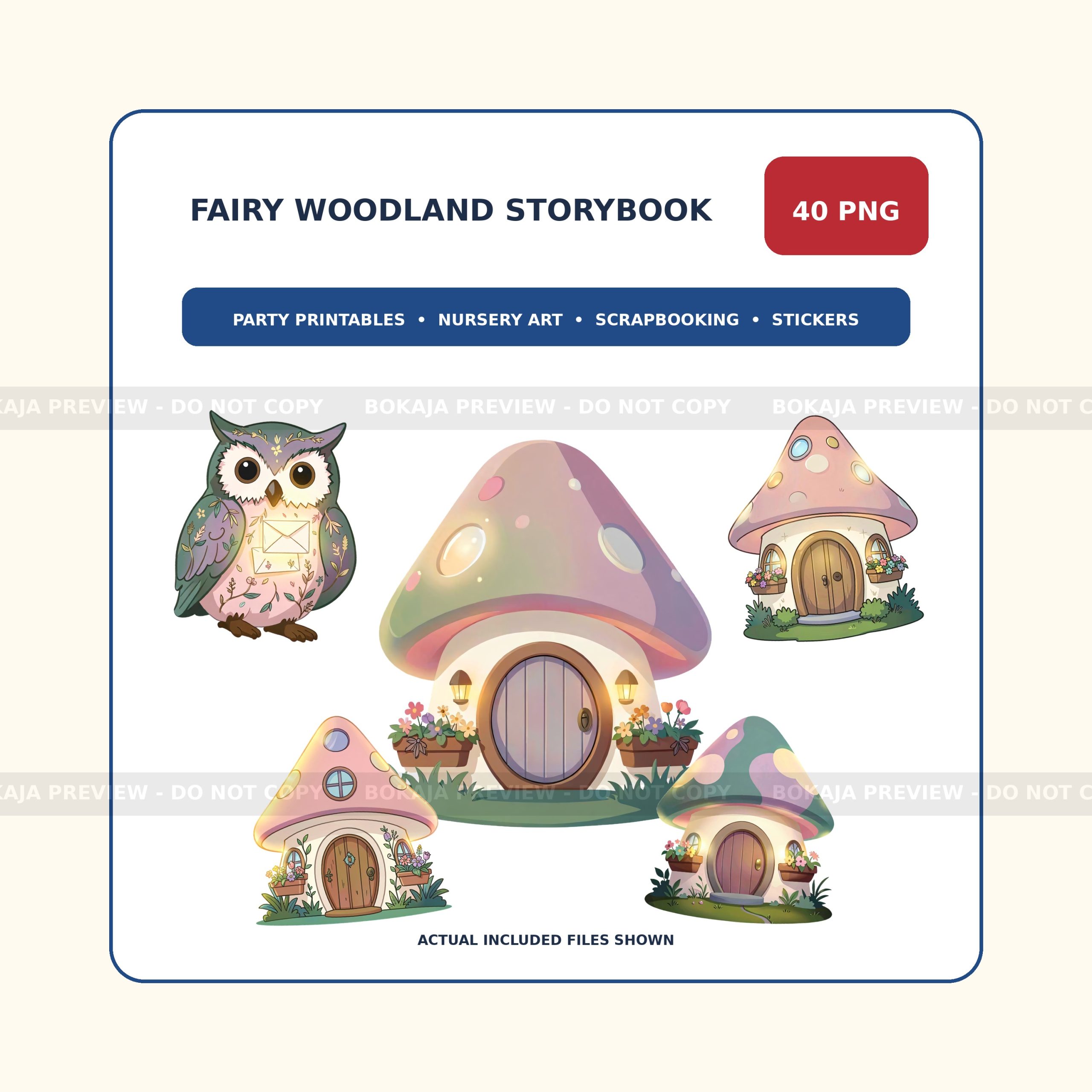
Fairy Woodland Storybook PNG Bundle
The live Bokaja bundle contains 40 original transparent 3072 × 3072 px PNG files with fairies, woodland animals, mushroom cottages, lanterns, flowers, and butterflies. Use the preview to judge style and project fit before purchase.
License and download checks
Before selling or sharing finished work, review the Bokaja digital product license. For order access, file problems, and support steps, use the digital downloads and refunds page. Those pages are the current source of truth for allowed use and download help.
Related Bokaja guides and bundles
- DIY birthday party decor on a budget
- Browse transparent PNG sets
- Canva for beginners
- Cricut projects for beginners
Frequently asked questions
Which fairy party printable should I make first?
Start with the invitation because it establishes the colors, type scale, and artwork placement. Reuse that system for labels, toppers, signs, and thank-you tags.
Can transparent PNG clipart work in Canva and Cricut?
Yes. Transparent PNG files can be placed in Canva layouts and used for Cricut Print Then Cut projects. Always make one test print and test cut before producing the full batch.
How many artwork elements should one printable use?
For small pieces such as cupcake toppers or labels, one main illustration plus one small accent is usually enough. Larger signs can support a wider scene if the text remains easy to read.
Can I sell finished party items made with Bokaja files?
Check the current Bokaja digital product license for the allowed finished-product uses and restrictions. The original PNG or ZIP files must not be resold, shared, or repackaged as digital assets.
What should I do if a purchased download does not open?
Use the download and support page for the current access steps, then contact Bokaja with the product URL and order details if the problem continues.